Fun Tools · Free online tool
Spirograph Generator
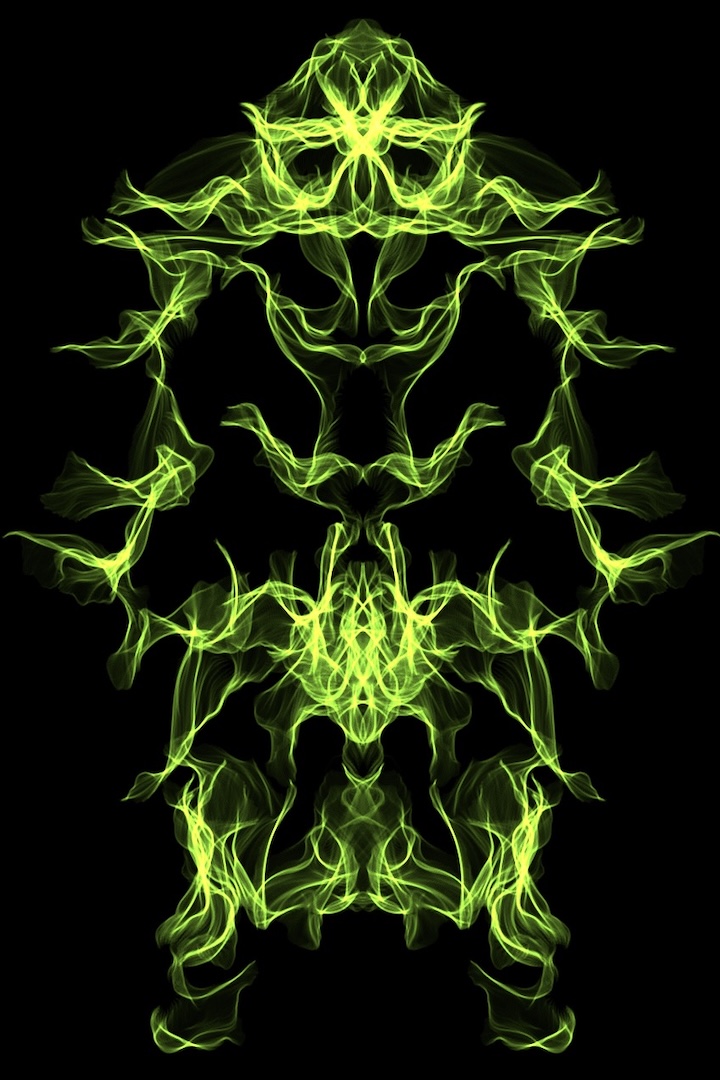
Build and animate custom spirograph art in your browser. Tune geometry, color and motion parameters, randomize instantly, then export as MP4 video, PNG, or SVG.


Create generative spirograph art instantly
A spirograph is a mathematically driven drawing system where wheels and pen positions create layered looping patterns. This Spirograph Generator gives you the same expressive logic with modern controls, fast rendering, and interactive 3D perspective so every loop feels alive. You can start with balanced presets, tweak geometry values and build a final design in a single session.
Everything runs in your browser, with no account and no upload step. That means your work stays local, your privacy stays protected, and your session stays fast even on medium devices. If you are learning geometry, this gives you immediate visual feedback. If you are designing motion backgrounds, it gives you repeatable high-quality exports.
Control how your pattern evolves
Use the left controls to adjust the curve system, outer and inner radii, pen offset, twist, layer count, symmetry and density. Quick sliders make it easy to discover dense, smooth loops and more dramatic orbit compositions. You can also switch color mode for depth, orbit flow, or pulse-driven animations.
The right column stores 20 curated presets with enough style variety for experimentation. Save your favorite orbit as a custom preset, import and export preset collections, or hit Randomize for fresh starting points whenever you get stuck.
Audio-reactive motion and motion control
Hook in an MP3 track and let the beat analyzer respond to your rhythm. This helps you create music-matched patterns, especially useful for reels, intros, motion backdrops and art-direction references. You can also keep the animation completely static and manual for focused geometric exploration.
Export with speed: MP4 video plus image formats
The recorder now prioritizes MP4 output first, with a fallback only if the browser does not support it. Download your final animation as an MP4 clip for direct social publishing, editing, or sharing. You can also export PNG stills at multiple resolutions and SVG for vector editing.
Because the project is intended for creative workflow, exports are optimized for speed and clarity. Keep one folder of presets and one folder of media outputs and your design process becomes repeatable.
Use it on desktop and mobile
The interface is designed for large and small screens. On desktop, side panels let you work quickly with precise controls. On touch devices, essential settings remain reachable while the canvas remains your focus. You can collapse panels, hide UI elements and go straight to playback.
This tool is best used as both a creativity tool and a study tool: generate motion art, build a sequence library, and compare outputs from the same base settings. Every generated scene can be replayed and exported without redoing setup.