
Best Free Email Apps for Android to Manage Multiple Accounts
Android has plenty of email apps. Finding one that feels right takes more work. Some apps keep things simple. Others give you deep control over colors, inbox layout, notifications, swipe actions, and account settings.
Privacy also matters. Some free apps show ads. Others make money through optional paid features instead. Open-source apps give users another choice. Open source means anyone can inspect the app’s public code.
I have placed the best free open-source and ad-free options first. The rest of the list includes useful email apps with good customization options.
Best Free Email Apps for Android Available to Download from Google PlayStore
1. Thunderbird (Open Source, Ad-Free)
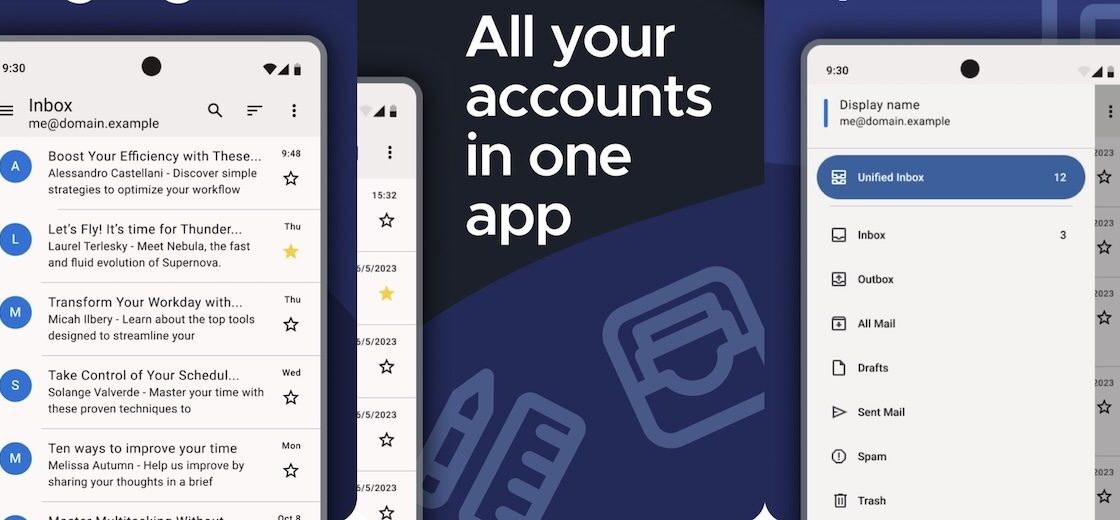
Thunderbird is one of the best free email apps for Android. It has no ads and its source code is public. The Thunderbird project relies on financial contributions instead of putting advertising inside your inbox.
You can use Thunderbird with email addresses you already own. You do not need to create a Thunderbird email address. The app works as an email client for different providers.
Thunderbird makes it easy to manage several addresses from one Android phone. You can keep each inbox separate or use a combined inbox. The app also gives you useful controls for notifications, folders, message display, signatures, and account settings.
The interface stays focused on email. You do not get shopping sections, sponsored messages, or a large collection of unrelated services.
Thunderbird also has a long open-source history. The Android version grew from K-9 Mail, another well-known open-source Android email client.
Thunderbird suits people who want a clean email app without ads. It also works well for users who prefer software with public source code.
Its mix of privacy, multiple-account support, and a simple interface makes Thunderbird an easy first recommendation.
2. FairEmail (Open Source, Ad-Free)
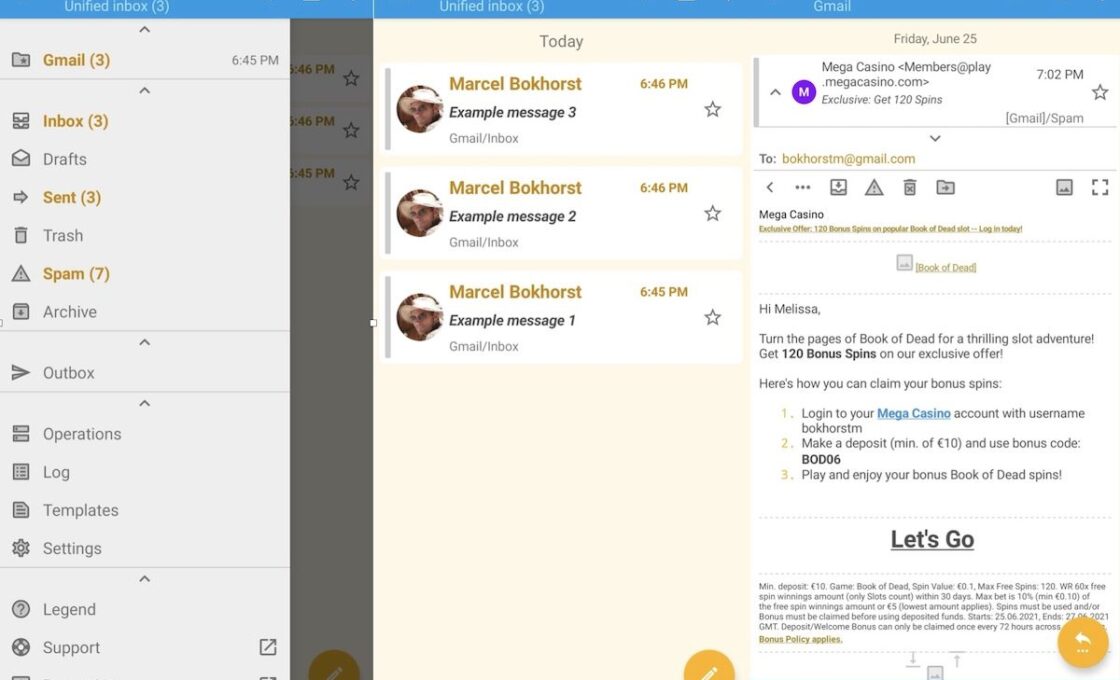
FairEmail gives Android users a huge amount of control over email. It is free, open source, and built with privacy in mind.
The app works with standard email services. It supports common email systems such as IMAP, POP3, and SMTP. These standards let FairEmail connect directly to many popular email providers.
FairEmail does not fill the inbox with advertising. Its documentation also states that the app has no privacy-violating ads.
Customization is one of FairEmail’s biggest strengths. You can change how messages appear. You can adjust notifications and account behavior. The app also provides many options for folders, conversations, privacy, gestures, and message actions.
The large settings menu can feel confusing at first. FairEmail gives users far more options than many basic mail apps. That extra control takes some time to learn.
Some advanced features require the Pro version. The free edition still provides the core email tools needed for daily use.
FairEmail works best for someone who wants control over how an inbox behaves. Thunderbird feels simpler. FairEmail gives you more settings to change.
3. Proton Mail (Open Source, Ad-Free)
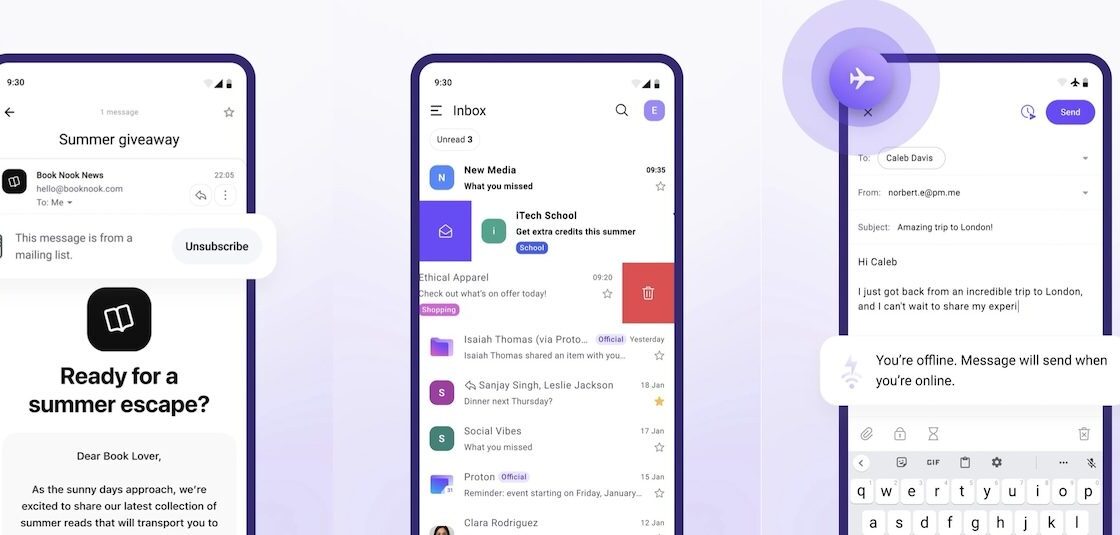
Proton Mail combines an Android email app with its own privacy-focused email service.
The Android app is open source. Proton also offers a free email account. Proton says it does not use targeted advertising inside your inbox.
Privacy sits at the center of Proton Mail. The service protects messages with encryption. Proton also builds its apps around a privacy-first approach instead of an advertising business model.
The Android app has a clean design. You can read messages, reply, organize mail, search your inbox, and manage folders without dealing with a cluttered screen.
Proton Mail differs from Thunderbird and FairEmail in one important way. Thunderbird and FairEmail mainly work as clients for existing email services. Proton Mail works best with a Proton account.
That makes Proton Mail a better fit for someone who wants a new private email address. Users who only want an app for several existing accounts may prefer Thunderbird or FairEmail.
The free plan has fewer features than Proton’s paid plans. You still get a usable email account and the main privacy features without paying.
Proton Mail makes sense for anyone who values privacy and wants an ad-free inbox.
4. Tuta Mail (Open Source, Ad-Free)
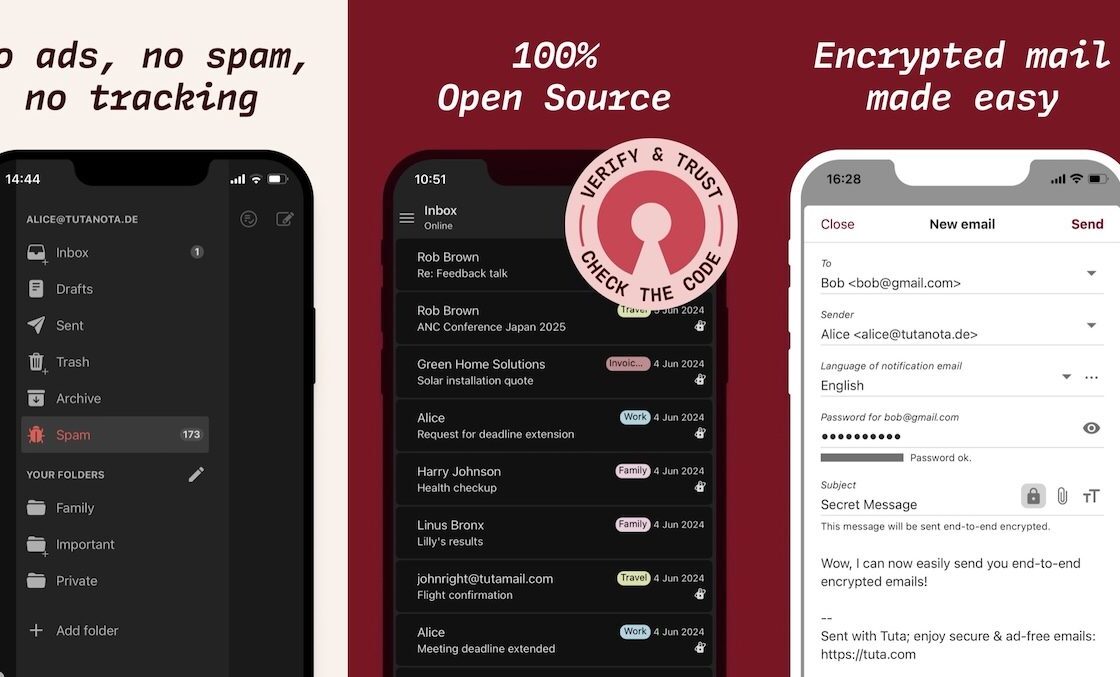
Tuta Mail is another open-source Android email app built around privacy.
Tuta offers a free email account and free Android app. The company states that its free service includes no tracking and no advertising.
The Android app is open source. Tuta also makes its mobile app available outside the Google Play Store through F-Droid.
Tuta protects email with built-in encryption. It also includes encrypted contacts and calendar features. The Android app can work online and offline.
The interface keeps things fairly simple. Mail, contacts, and calendar tools sit together without making the screen feel crowded.
Tuta works more like Proton Mail than Thunderbird. The service gives you a Tuta email account instead of acting mainly as a universal client for all your existing addresses.
That may suit someone who wants to move away from an advertising-based email provider. It may suit existing Gmail users less if they only want another app for their current inbox.
The free plan has some limits. Paid plans provide more addresses and other extras.
Tuta still gives free users the main privacy and security features. The lack of advertising also makes the free version more appealing.
5. BlueMail
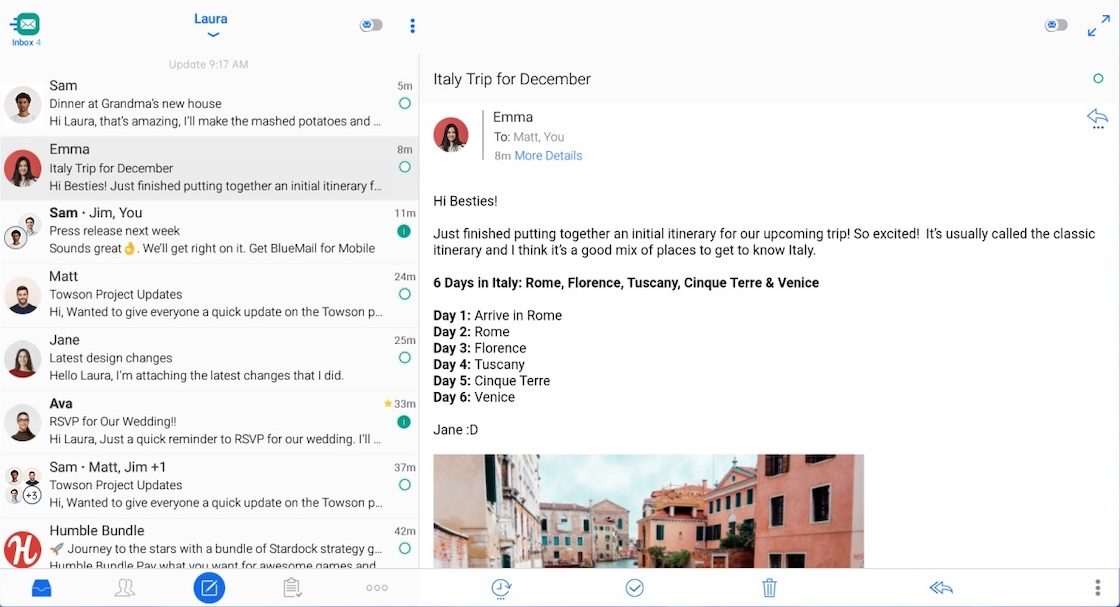
BlueMail works well for people who have several email accounts and want plenty of control over how they manage them.
The free Personal plan supports unlimited email accounts. It also provides a Unified Inbox and light and dark themes. BlueMail offers its Personal plan free for individual use.
You can connect different providers and view all your incoming messages together. You can also open each account separately.
BlueMail gives you several ways to personalize your email setup. You can adjust notifications and change how different accounts behave. The Android app also supports account personalization. BlueMail describes the app as ad-free on Google Play.
The interface feels more visual than Thunderbird. It includes a unified inbox, message clusters, calendar tools, and other features for people who spend a lot of time managing email.
BlueMail also works across Android, iOS, Windows, macOS, and Linux. That helps people who want a similar email setup on several devices.
Some extra features sit behind paid plans. The free Personal plan still includes unlimited email accounts and the main email features.
BlueMail fits users who want a customizable email app without giving up a polished interface.
6. Edison Mail
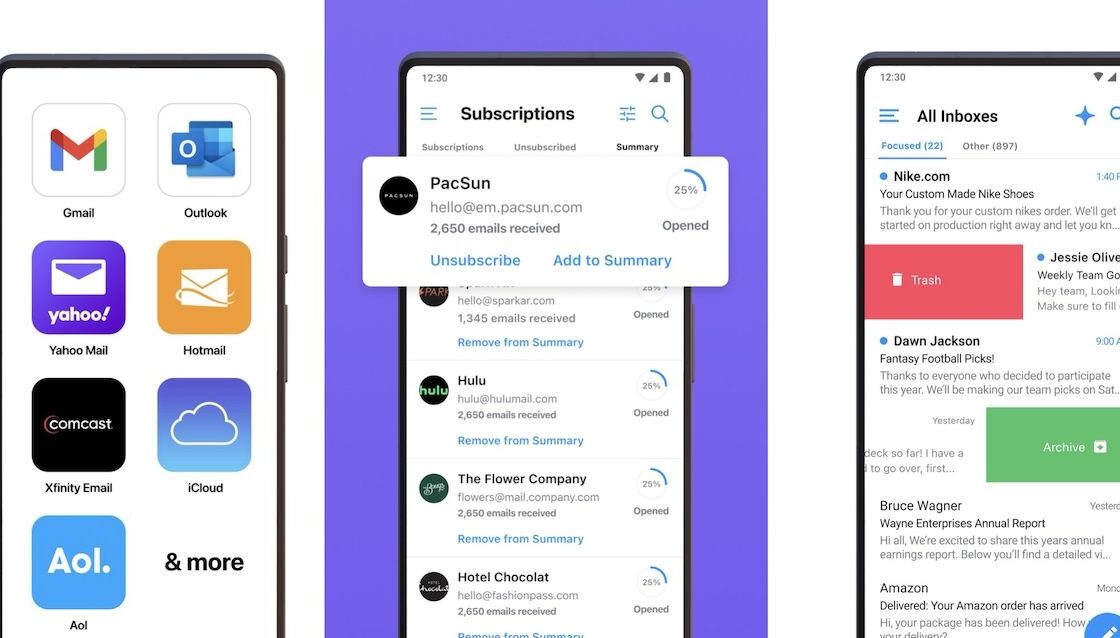
Edison Mail offers a clean inbox for people who manage several email accounts.
The Android app supports Gmail, iCloud, Yahoo, Microsoft email services, and standard IMAP accounts. You can combine several addresses inside one unified inbox.
Edison Mail is free to use. The company also states that the free app contains no ads.
The app gives users tools for keeping a busy inbox under control. You can block unwanted senders and unsubscribe from mailing lists. You can also use inbox organization tools to find important messages faster.
Edison provides some appearance settings as well. You can switch between light and dark modes and change several app preferences.
Its design feels simpler than FairEmail or Aqua Mail. You do not get the same huge collection of appearance and behavior settings. Edison focuses more on keeping mail organized without making the app hard to use.
The company also offers Edison Mail+ with extra features. You do not need a subscription for basic email use.
Edison Mail is a good fit for someone who wants multiple accounts, an ad-free experience, and useful inbox cleanup tools without spending much time changing settings.
7. Gmail
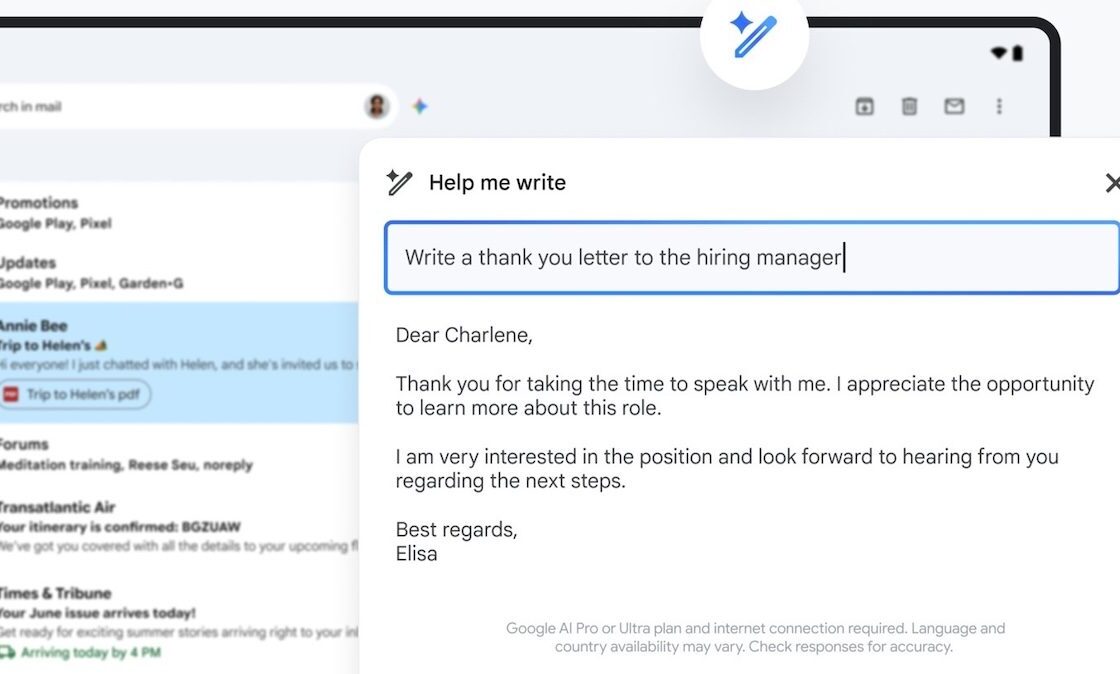
Gmail remains one of the easiest email apps to use on Android. Many Android phones already include it.
The Android app supports multiple accounts. It can also work with addresses from different email providers. Google includes powerful search and automatic spam protection in the app.
Gmail also provides several ways to change the inbox. You can choose different inbox layouts and use categories to separate types of mail.
That gives users some customization without turning the settings page into something complicated.
The app can separate mail into areas such as Primary, Promotions, and Social. People who receive large amounts of newsletters and store emails may find this useful.
Search is another major strength. Gmail works well for people with years of old messages stored in an account.
The main downside comes from advertising. Google Play currently lists Gmail as an app that contains ads.
Gmail also offers less visual customization than apps such as Aqua Mail or TypeApp. It focuses more on Google’s preferred inbox experience.
Gmail still makes sense for Android users who already depend on Google services and want a familiar email app with some inbox customization.
8. Aqua Mail
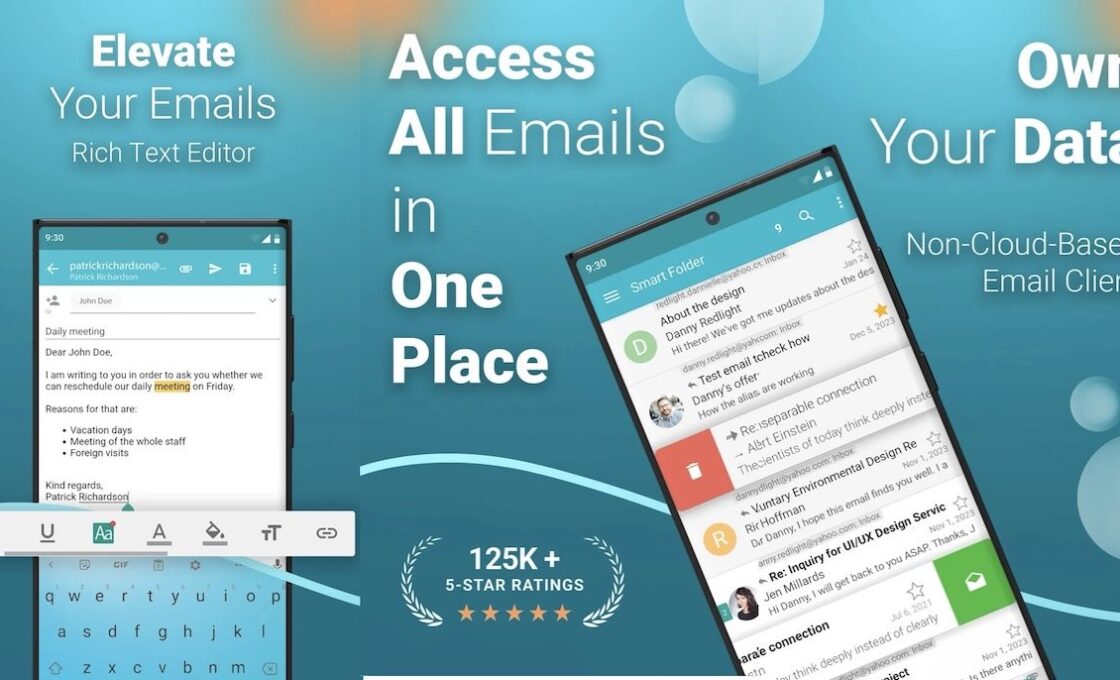
Aqua Mail is one of the better Android choices for people who care about customization.
The app supports Gmail, Fastmail, iCloud, Exchange, Office 365, and many other email services. It can also connect to standard IMAP and POP3 mailboxes.
Customization sits at the center of Aqua Mail. You can change swipe actions and other interface behavior. You can adjust text size and message formatting. Aqua Mail also has a rich text editor and dark theme.
You can create different signatures for individual accounts. The signatures can contain text, images, links, and formatting. The app also provides home-screen widgets and options for backing up settings.
These controls make Aqua Mail useful for people who dislike email apps with fixed layouts and limited settings.
The free version has some important restrictions. Aqua Mail currently places unlimited accounts and several advanced tools in Premium. The free version also contains ads. Paying for Premium removes those ads.
That means Aqua Mail cannot compete with Thunderbird when ad-free use matters most.
Aqua Mail earns its place because of customization. Few Android email apps give users this many ways to change how mail looks and works.
9. Spark Mail
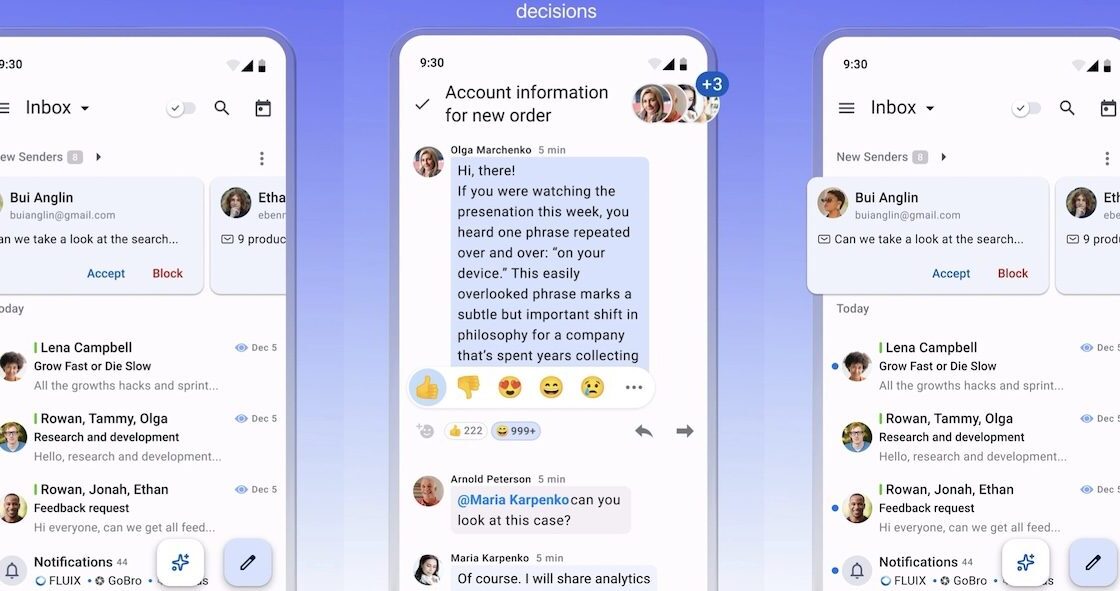
Spark Mail works well for people who want an organized inbox and some control over how email appears.
Spark offers a free plan. The free version currently includes its Smart Inbox and support for unlimited email accounts.
The Smart Inbox separates different types of messages. This can keep newsletters and notifications away from important personal mail.
Spark also brings several accounts into one unified inbox. You can move between different addresses without opening separate email apps.
The app has a modern interface and gives users tools for changing how they handle messages. You can pin important mail and manage notifications. Spark also includes a calendar.
Some of Spark’s newer features use artificial intelligence to help users work with messages. These tools can help with tasks such as writing and understanding email. Several advanced features require Spark Plus or Spark Pro. The company still keeps a separate free plan available.
Spark works on Android and several other platforms. This makes it useful for people who switch between a phone and computer.
Spark suits users who want more organization than a basic email app provides without dealing with the huge settings collection found in FairEmail.
10. TypeApp Mail
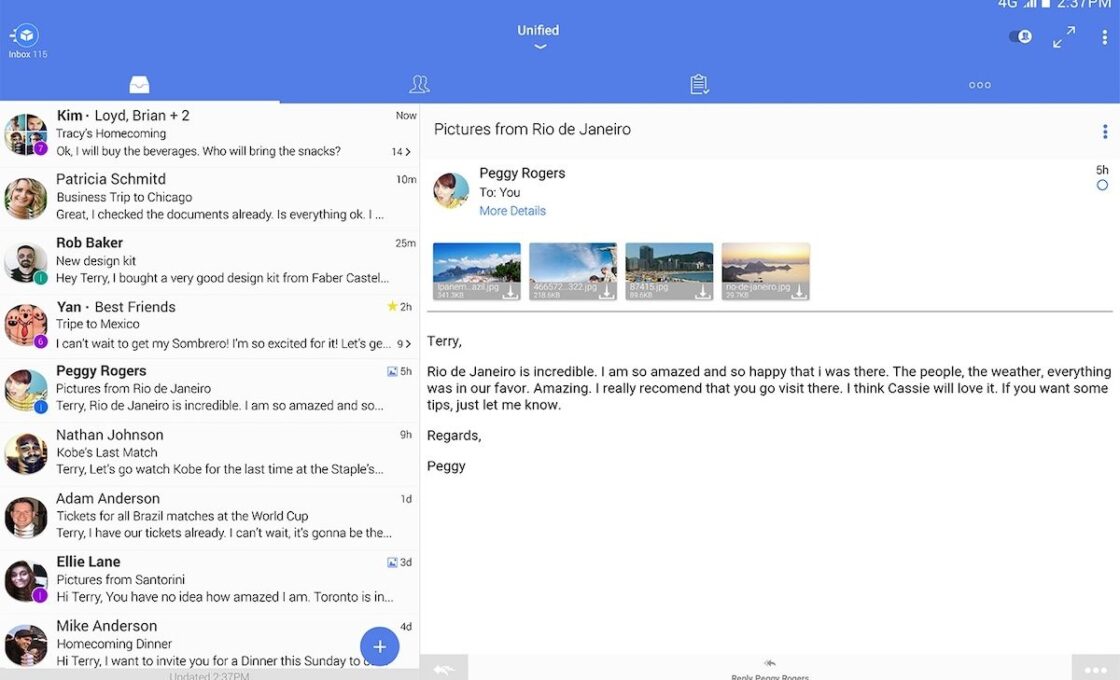
TypeApp Mail puts customization near the center of its Android experience.
The app can manage several email accounts at the same time. It supports standard IMAP and POP3 accounts along with Exchange. You can view accounts separately or combine them in a Unified Inbox.
TypeApp gives you more visual control than many mainstream email apps. It has dark mode and themes. You can choose a different color for each account. This makes it easier to see which address received a message.
You can also customize menus. This lets you keep the email actions you use most within easy reach. The app gives each account its own notification options. You can change sounds, vibration, quiet hours, and other alert settings.
TypeApp also supports rich text for messages. You can change text styles and add a logo.
The app is free to download and use. Google Play currently lists TypeApp as containing ads and in-app purchases.
That puts it behind Thunderbird, FairEmail, BlueMail, and Edison Mail for someone who wants an ad-free experience.
TypeApp still deserves a place on this list for its customization. Themes, account colors, configurable menus, and detailed notification settings give users far more control than many standard Android email apps.
The Best Choice for Most Android Users
Thunderbird remains the best all-around option for many people. It is free, open source, and ad-free. It also works as a normal email client instead of forcing you to move to a new email service.
FairEmail makes more sense for users who want a huge number of settings. Proton Mail and Tuta Mail suit people who want a new privacy-focused email account. Both provide open-source Android apps without advertising.
BlueMail and Edison Mail provide cleaner options for people who want free email without ads. Aqua Mail stands out for deep customization, though its free version shows ads. TypeApp also offers plenty of appearance and notification controls but contains ads.
Gmail remains convenient for people who use Google services. Spark works well for users who want automatic inbox organization and support for many accounts.
Android has plenty of email apps. Finding one that feels right takes more work. Some apps keep things simple. Others give you deep control over colors, inbox layout, notifications, swipe actions, and account settings.
Privacy also matters. Some free apps show ads. Others make money through optional paid features instead. Open-source apps give users another choice. Open source means anyone can inspect the app’s public code.
I have placed the best free open-source and ad-free options first. The rest of the list includes useful email apps with good customization options.