
10 Best No-Code App Builders for Developers and Founders in 2026
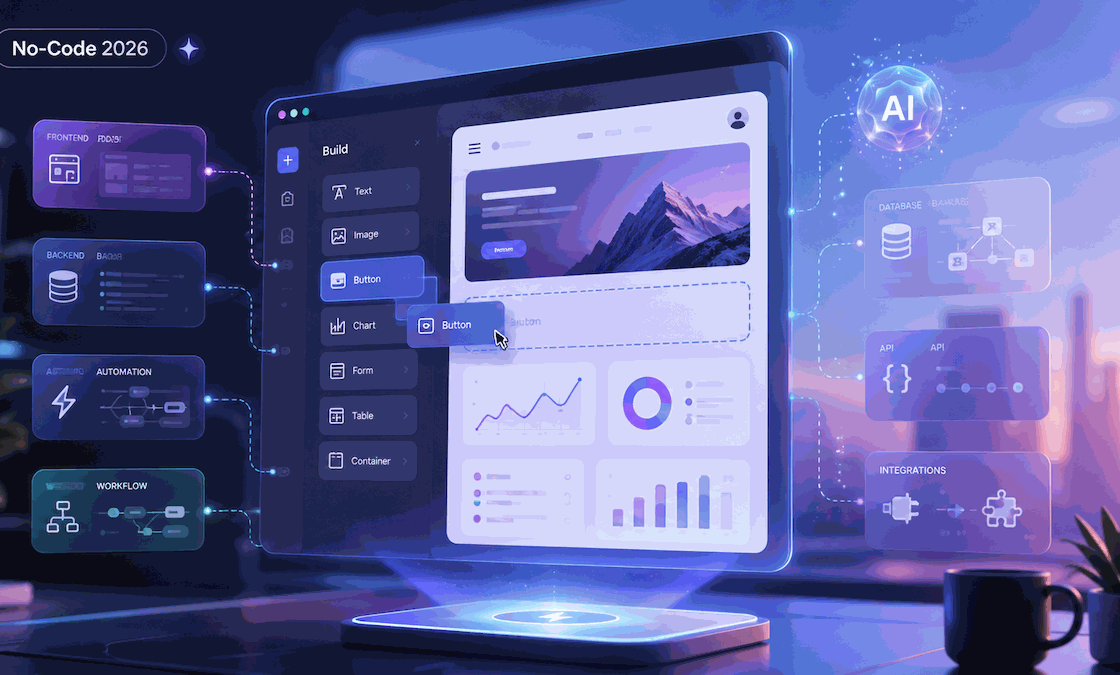
Until recently, most no-code tools used to hit the ceiling at the UI layer. Not anymore! We’ve entered a stage where the gap between an idea and a working app is much smaller than it used to be. Now, AI-orchestrated platforms manage the complex, repetitive infrastructure that once took weeks to configure. In practice, that means less time spent on setup and more on architecture and use cases.
This guide skips toy builders for simple landing pages and breaks down the serious players. The following no-code app builders are more serious than basic landing-page tools. They handle authentication, database management, and deployment, but also offer the extensibility and control that founders and experienced developers demand. These platforms are defining the development workflow in 2026.
What “No-Code App Builder” Means in 2026
The old definition of no-code – simple drag-and-drop interfaces for static sites – is no longer accurate. In 2026, a “no-code” builder is essentially a high-level abstraction layer over a full-stack environment. The reality of the modern world is that AI can do much more than in its early days. AI builders can now generate the underlying code together with backend logic, deployment configurations, and more.
At the moment, it’s these three categories that are redefining no-code app builders:
- Visual builders (such as Bubble) give you control over application logic.
- AI-driven builders (like Atoms) use automation to speed up development.
- Hybrid tools (Replit Agent) bridge the gap between visual editing and traditional coding.
Why we use these tools has changed along with what they can do. Traditional no-code tools were often seen as “black boxes” for non-devs and other non-tech users. But now they’ve transitioned to a “glass box” environment in which professionals and AI can code together: AI handles the boilerplate, while you, the architect, have the final say and keep full control over the system design.
What to Look for in a No-Code App Builder
App builders are not tools for one-off projects and casual use. You’re looking for a long-term solution that’s reliable and robust enough to scale with your app, so “ease-of-use” doesn’t play the main role in your decision. How it handles frontend versus backend control is more important, as well as having a unified environment where the logic layer is as flexible as the UI. What else?
You should judge a modern no-code app builder by these key criteria:
- Database & Auth Support: You need an integrated user management system that’s ready for production and relational data storage that scales with your needs.
- API Extensibility: The ability to connect to external REST APIs, GraphQL APIs, webhooks, and common third-party services is another key advantage.
- Deployment Workflow: Managed CI/CD pipelines are also a must-have. Ideally, you’ll want them to handle staging, production, and SSL out of the box.
- Vendor Lock-in Risk: A strong no-code app builder should offer clear options for code export, API access, self-hosting, or framework compatibility.
Many teams evaluating no-code tools are also comparing alternatives to frontend hosting to make sure their final product lives on a stack that supports global edge performance and custom security headers. And let’s not forget to mention performance and scalability again – they must be baked into the generated code to prevent the technical debt associated with older no-code generations.
10 Best No-Code App Builders in 2026
Right now, these are the best no-code tools, AI builders, and hybrid solutions for devs and founders.
1. Atoms: Best for AI-Driven Full-Stack App Generation
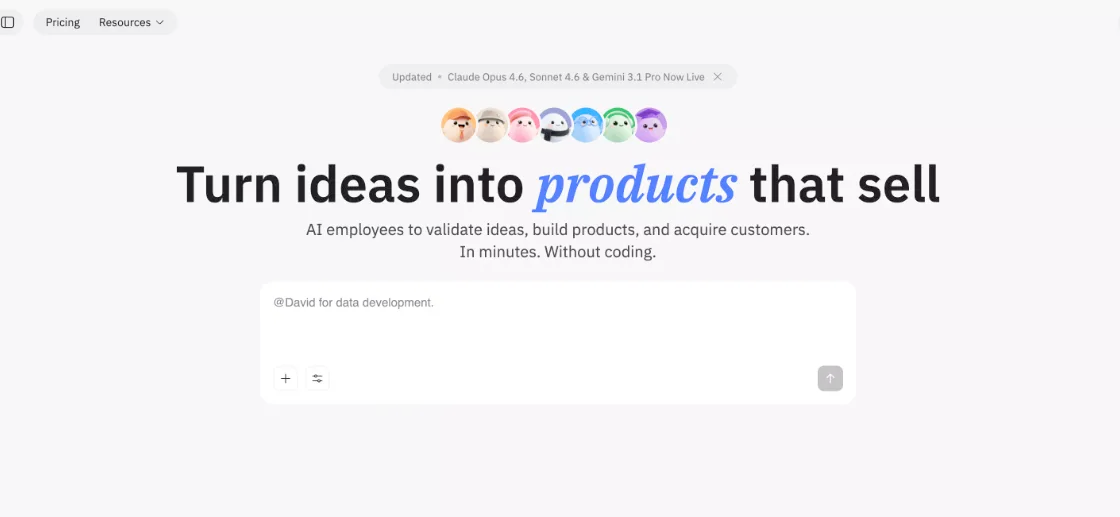
Atoms is part of the growing AI app-builder and vibe-coding movement. It is designed for founders and small teams that want to move from an idea to a working product faster, without starting from a blank editor. Atoms uses an agent-style workflow where AI roles can help with planning, product structure, frontend creation, and launch tasks. It is especially useful for early-stage products, prototypes, landing pages, and simple monetized apps where speed matters.
Key Features:
- Agent-Led Workflow: AI roles help with planning, product structure, frontend creation, and launch preparation.
- Backend Support: Useful for projects that need more than a simple static page, including app logic, user flows, and data-driven features.
- Monetization Support: Helpful for founders testing paid products, waitlists, landing pages, and early SaaS-style ideas.
- Founder-Friendly Speed: Good when you want to move from idea to prototype quickly without starting from a blank editor.
2. Bubble: Best for Complex Visual Logic
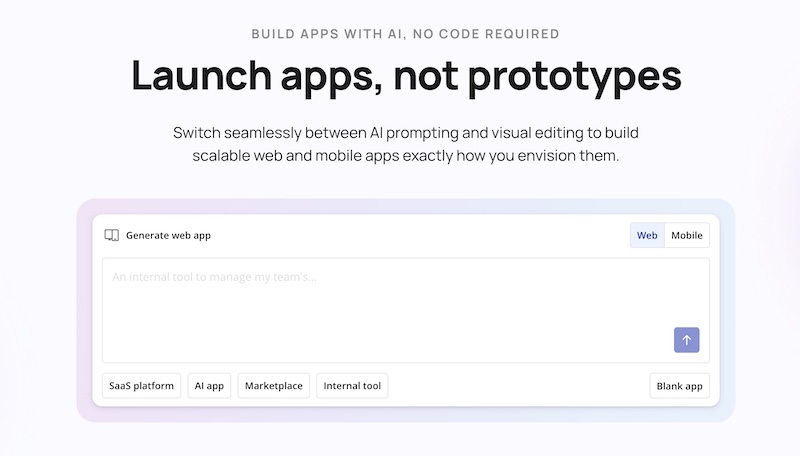
One of the most established platforms in the space, Bubble builds applications that require deep, custom logic without leaving a visual environment. It is the go-to for developers who want to map out complex user permissions and relational data structures using a robust workflow engine. It’s not as easy to master as some newer AI builders, but it gives you full control of the process. Bubble’s AI features can help guide app-building and workflow creation, but the platform still works best when you understand its visual logic system.
Key Features:
- Deep Workflow Engine: Highly customizable event-driven logic that can handle almost any business process.
- Extensive Plugin Ecosystem: A large marketplace and API options make it possible to connect Bubble apps with many third-party services.
- Visual Database Modeler: Intuitive relational database management that handles complex data types and privacy rules.
3. Glide: Best for Internal Tools
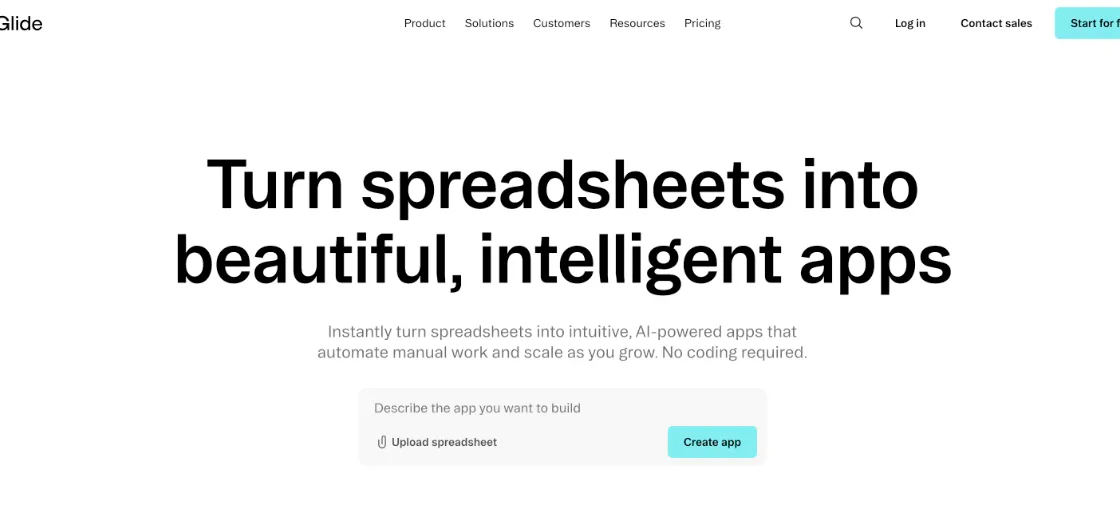
Glide has specialized in speed, especially when you need to turn existing data – from spreadsheets to SQL databases – into functional, high-quality apps in minutes. It is ideal for internal business tools, CRMs, and field-service applications where utility and data visibility are more important than unique branding. Its Glide Agent now automates data processing tasks, equipping you with a truly powerful set-and-forget solution. Glide’s mobile-first UX is often described as “exceptionally polished,” but it comes at a price: limited customization options and the absence of growth tools.
Key Features:
- Spreadsheet-to-App Sync: Seamlessly bi-directional sync with Google Sheets, Airtable, and BigQuery.
- Glide AI: Native AI features for data cleaning, sentiment analysis, and automated reporting.
- Cross-Platform UI: Automatically generates responsive layouts for iOS, Android, and Web from a single source.
4. Softr: Best for Data-Driven Apps
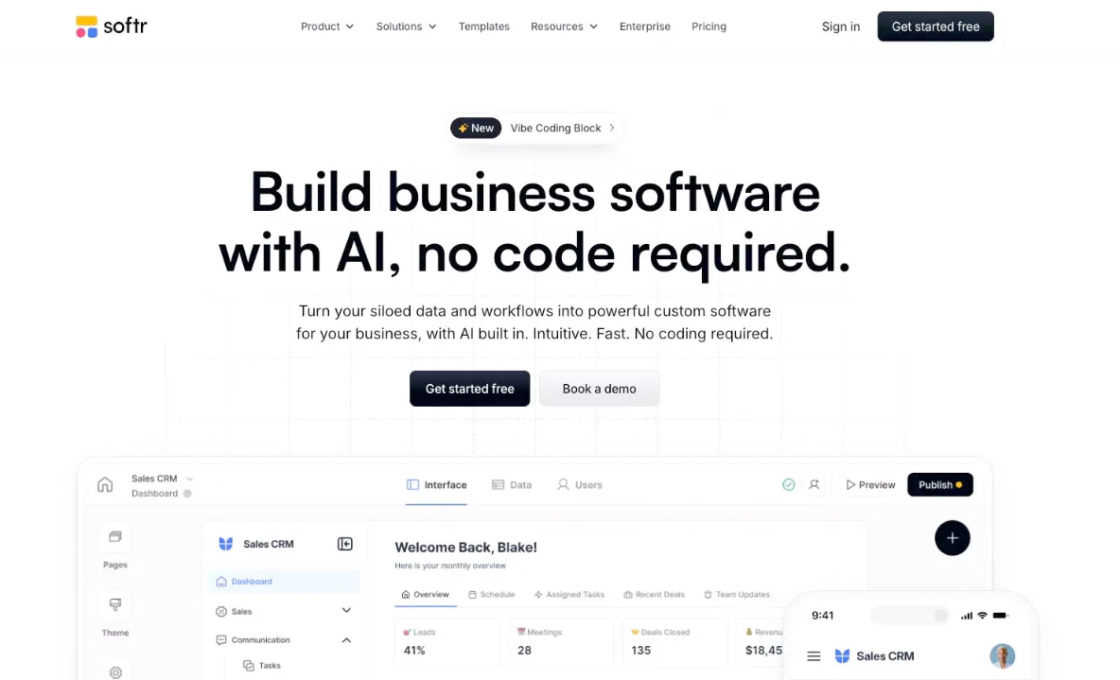
Softr is strong at turning business data into secure portals, directories, internal tools, and membership-style apps. It is the preferred choice for freelancers and founders building client portals or community hubs. Its Dual-mode AI generates both the UI and the underlying data structure from a single prompt, reducing the blank page problem. Softr’s key strength? It’s a granular permission system that lets you set complex who-sees-what rules with zero custom code.
Key Features:
- Granular User Permissions: Sophisticated role-based access control for secure data visibility.
- Flexible Data Sources: Connect Softr to tools like Airtable, Google Sheets, SQL databases, Supabase, Xano, BigQuery, HubSpot, and REST APIs.
- Built-in Business Blocks: Ready-to-use components for lists, filters, and user profile management.
5. WeWeb: Best for Frontend Flexibility
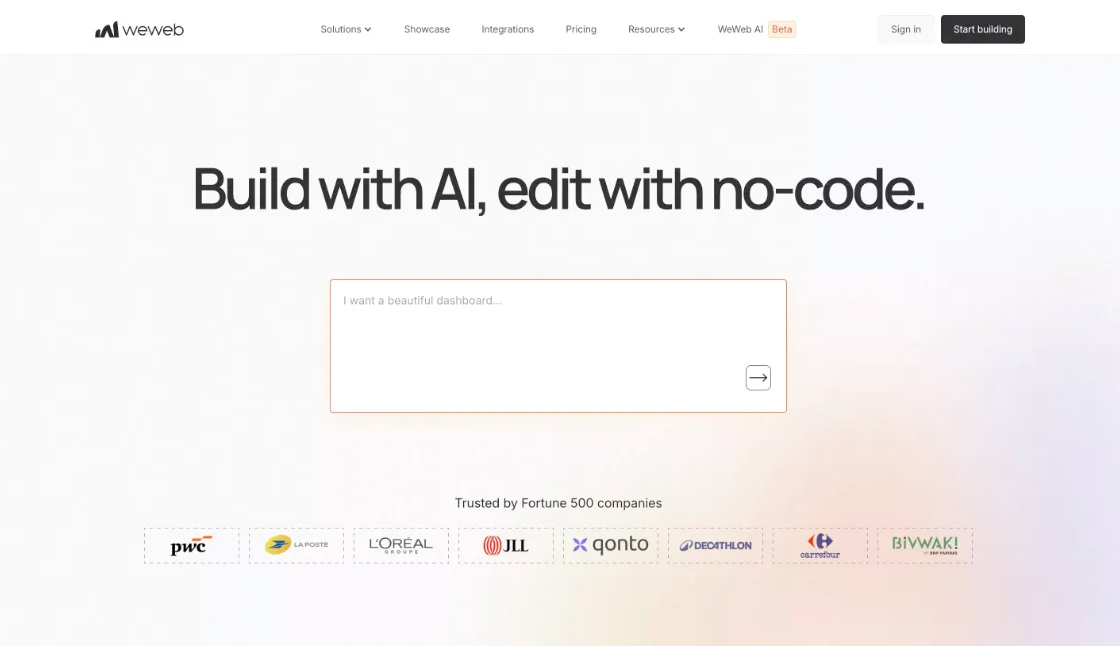
WeWeb is a professional-grade builder for teams that want a decoupled approach to no-code. With a frontend-first approach, developers can use it to connect to almost any backend, including Supabase, Xano, or custom APIs. It can export a Vue.js-based app, which makes it a good fit for teams that care about frontend control, self-hosting, and reducing vendor lock-in. And if you also want to avoid the CSS grind and stay in control of state management and API integration, then you should definitely consider it.
Key Features:
- Decoupled Architecture: Freedom to use any backend while building the UI visually.
- Performance-First: Generates clean, standard-compliant code that excels in Core Web Vitals.
- Custom Code & Export Options: Build visually, use custom code where needed, and export a Vue.js-based app for self-hosting.
6. Webflow: Best for Design + CMS
Webflow is often mentioned as a reference point for design-centric websites, especially those that need a polished frontend and a strong CMS. It is not a full no-code app builder in the same way as Bubble, FlutterFlow, or WeWeb. Webflow is best used for marketing websites, blogs, content hubs, landing pages, and frontend-heavy projects where visual quality matters most. For app-style features such as memberships, workflows, and deeper backend logic, teams usually connect Webflow with external tools or a custom backend.
Key Features:
- Visual CSS Engine: Total control over layout, spacing, typography, and responsive design through a professional visual editor.
- Powerful CMS: Flexible content management for blogs, directories, landing pages, and content-heavy websites.
- Frontend-Friendly Workflow: Strong for building polished interfaces that can be connected to third-party tools, automation platforms, or external backends.
7. Replit Agent: Best for Dev-AI Hybrid Workflows
Replit Agent is the vibe coding choice for those who still want to live in an IDE. Its AI writes, debugs, then deploys full-stack code, but you still have full access to the actual repository. Code-oriented but fast, it’s a popular choice for AI-assisted development with an automated environment setup and server configuration on one side, and freedom to custom-build the app’s logic on the other.
Key Features:
- In-IDE Collaboration: The AI acts as a pair-programmer, generating entire files or specific functions.
- Zero-Config Deployment: Instant deployment to Replit’s cloud infrastructure with one click.
- Hybrid Workflow: Seamlessly switch between AI-generated code and manual editing in a professional environment.
8. OutSystems: Best for Enterprise No-Code
Large organizations often choose OutSystems to help them build massive, mission-critical applications. It’s an enterprise-grade solution that helps teams scale, manage security, and integrate with legacy systems such as SAP and Salesforce. True, it is too expensive for most solo founders, but it is the tool of choice for IT departments that need to modernize their internal software stack at 10x the speed of traditional development. Its High-Performance Low-Code platform includes built-in AI for security vulnerability scanning and code optimization.
Key Features:
- Enterprise Security: Strong security, governance, and compliance features built for large organizations.
- Scalability & ALM: Sophisticated Application Lifecycle Management for teams of hundreds.
- Legacy Integration: Deep, native connectors for complex corporate data environments.
9. Adalo: Best for Mobile Apps
Adalo is a logical choice if you’re building mobile-first applications for App Store or Google Play. It’s equally good for crafting interaction-heavy systems like social network apps and transaction-based logistics systems like delivery apps – largely thanks to a drag-and-drop interface made specifically for mobile UX patterns. While its backend capabilities are more limited than Bubble or Atoms, it’s still one of the fastest ways to get a functional native app into users’ hands.
Key Features:
- Mobile-First Design: Optimized components for touch interactions and mobile UI patterns.
- One-Click Publishing: Direct integration with Apple and Google app stores for seamless distribution.
- Native Device Access: Built-in support for push notifications, camera, and GPS.
10. FlutterFlow: Best for Cross-Platform Apps
While certainly not the only builder for mobile apps, FlutterFlow is widely used among developers thanks to the visual interface for Google’s Flutter framework. But cross-platform is where it really stands out. It generates clean, professional Dart code for iOS, Android, and Web, while also letting you visually build the UI through Firebase and GitHub integrations. When satisfied, you can sync to GitHub to finish the custom logic manually. It strikes a balance between visual speed and professional-grade code quality.
Key Features:
- GitHub Sync: Bi-directional sync allows for a true developer workflow within a visual builder.
- Firebase Integration: Native, deep support for Firestore, Auth, and Cloud Functions.
- Clean Code Export: Generates standard Flutter code that can be moved to any local IDE.
No-Code vs AI App Builders: What’s the Difference?
Traditional no-code tools like Bubble, Webflow, Glide, and Softr are still useful because they let you see and shape the structure of an app visually. You can control layouts, workflows, permissions, data sources, and user flows without depending only on prompts. That matters when the app has unusual business logic or when you want to understand exactly how everything is connected.
AI app builders are different because they focus on speed. Instead of manually building every screen and workflow, you describe what you want, and the tool creates a first version for you. This is useful for prototypes, MVPs, landing pages, internal tools, and early product tests. The tradeoff is that AI-generated apps still need review. You should check the data model, security, performance, integrations, and long-term ownership before treating the result as production-ready.
Hybrid tools, like Replit Agent, sit between these two worlds. They use AI to write and debug code, but you can still inspect and edit the actual files. This makes them useful for developers who want speed without losing access to the codebase.
How to Choose the Right No-Code Builder
The choice between pure no-code and AI-powered app builders is, in the end, an architectural decision, and it’s harder to make than you would think. This table lays out the main use cases and the technical comfort level needed for every tool on this list, and breaks down the ideal user for each.
| Tool | Primary Use Case | Best For | Technical Comfort Level |
|---|---|---|---|
| Atoms | AI-assisted product building | Founders who want to prototype, launch, and test ideas quickly. | Low to Intermediate |
| Bubble | Complex business logic | Apps with deep workflows, permissions, database relationships, and custom logic. | High for no-code |
| Glide | Internal tools | Teams turning spreadsheets or business data into useful mobile or web apps. | Very Low |
| Softr | Data-driven portals | Client portals, directories, internal tools, and membership-style apps. | Low |
| WeWeb | Professional frontends | Teams that want a visual frontend connected to Xano, Supabase, or custom APIs. | Intermediate |
| Webflow | Marketing websites and CMS | Polished websites, blogs, landing pages, and content-heavy brand pages. | Intermediate |
| Replit Agent | AI-assisted coding | Developers who want AI help while keeping access to editable code. | High |
| OutSystems | Enterprise systems | Large organizations building secure, scalable, business-critical applications. | High |
| Adalo | Simple mobile apps | Beginners building mobile-first apps for the web, App Store, or Google Play. | Low |
| FlutterFlow | Cross-platform apps | Developers building iOS, Android, and web apps with Flutter and Firebase. | Intermediate to High |
Ultimately, the right choice depends on the balance between learning curve, speed, control, and long-term flexibility. As a beginner developer, you would feel more at ease with the visual nature of Bubble. But as a founder validating market demand, you would benefit more from the all-in-one automation of apps like Atoms.
Final Thoughts
Some builders give you the flexibility to customize every part of your app, while others automate most of the setup – just as some developers prefer to see and edit code when building, and others appreciate the efficiency and speed of no-code tools. To each their own. Meanwhile, a third category is bridging the gap. AI app builders like Atoms are merging product planning, design, coding, and launch workflows into one faster process. The right app builder in 2026 should match your project’s real needs: speed, control, scalability, code access, and long-term flexibility.